


Major Updates on iOS, Windows, Android and ChromeOS.
Concepts Library has a New Look on iOS and Object Sharing is Available on all Platforms
Check out the updated UI experience, new ways to organize and explore your Object Packs and ways you can share Objects across platforms.
Objects + Pexels = Library
What was once referred to as Objects, has now expanded into the Library. You now have the option to enable Pexels and access millions of royalty-free images right at your fingertips.
Refreshed UI
We implemented a refreshed look to the interface that complements the menus and popups throughout Concepts.
Expanded or Collapsed View
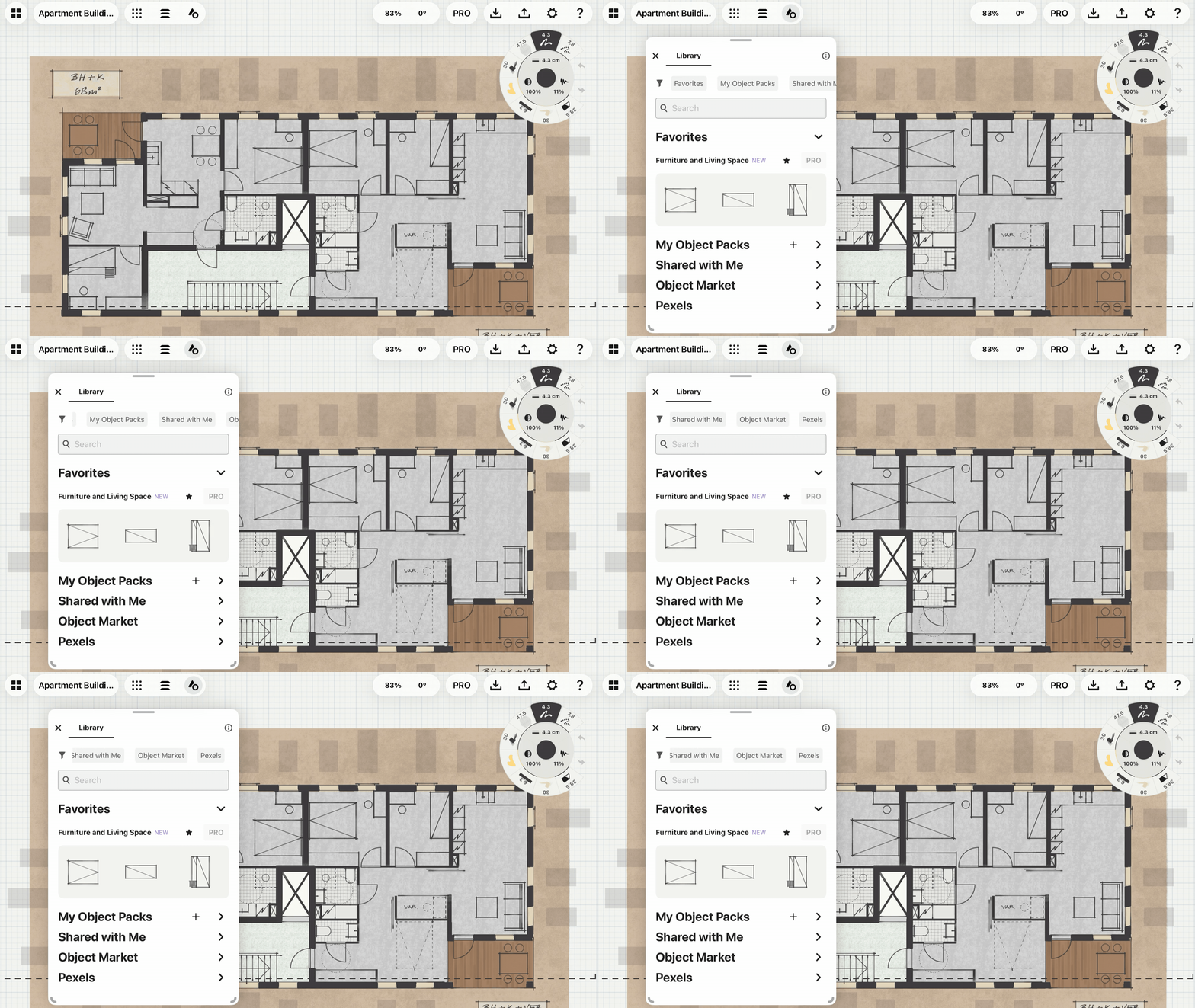
The Library display can be tailored for how you prefer to create. Easily adjust the menu size to reveal more Objects, and toggle Object names on or off for a clean, focused interface.
On iOS, with a simple tap, you can instantly expand or collapse the entire menu for maximum drawing space.
Clearer Navigation & Organization
In the Library, we integrated new sections to help you navigate with ease. Now you can favorite Object Packs and individual Objects, and they will appear at the top of the menu for quick access.
In addition to Favorites, you will see My Object Packs and Shared with Me nestled at the top. These areas house your custom-created packs and Objects that others have shared with you.
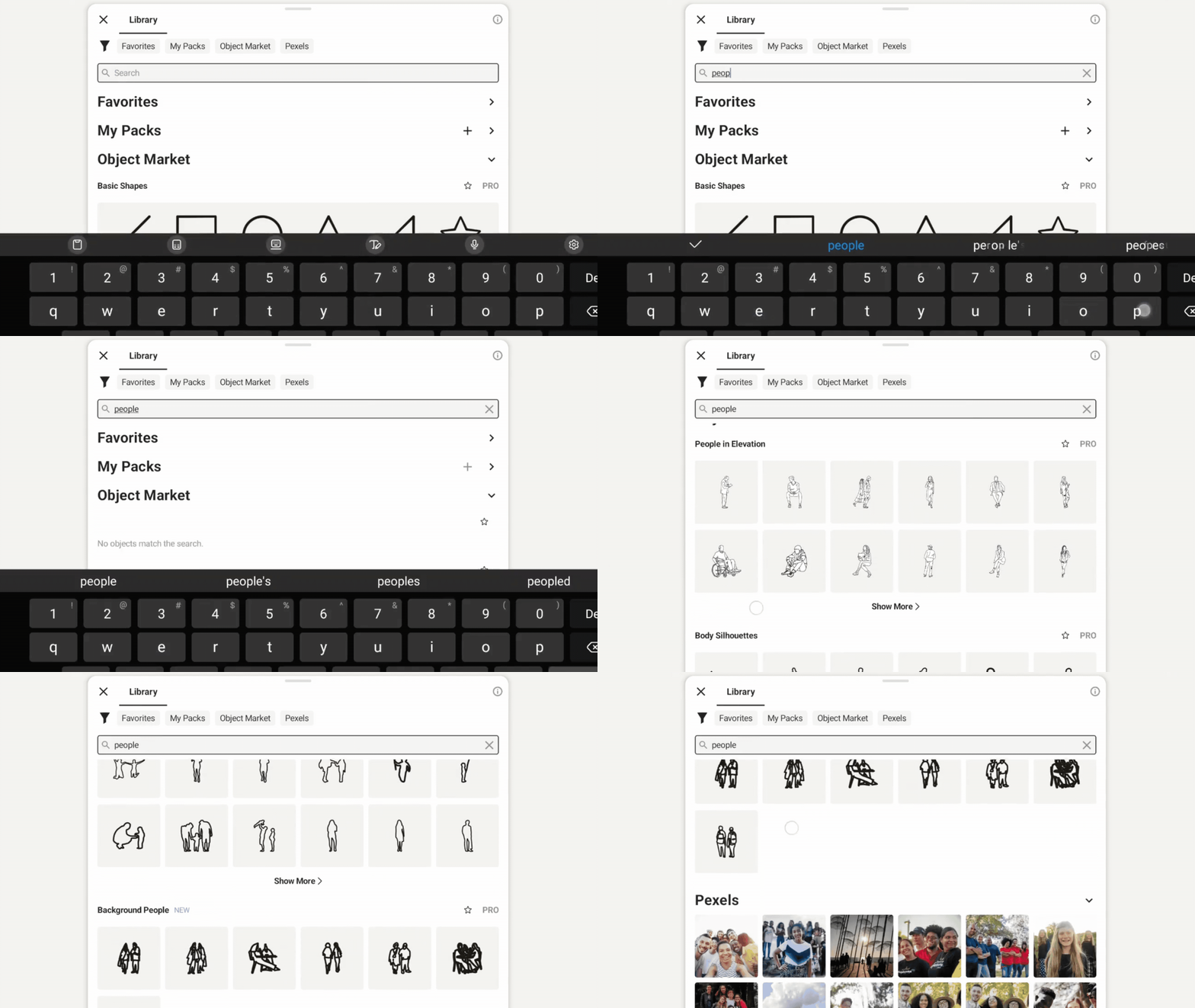
Searchability
You can now search within every area of the Library! While creating your own custom packs, naming your Objects and adding tags will help you and others find them effortlessly.
Object Sharing Across Platforms
No matter which platform you use, you can now create custom packs and share them with anyone. Shared Object Packs are read-only for recipients. Easily make adjustments or set defaults to your Objects, and your updates will reflect across everyone's Library.
Anyone can unsubscribe from the shared pack at any time.
Object Sharing and Make Your Own Objects are available exclusively to monthly or yearly subscribers. Cancel anytime.
If you have any feedback on the new updates, please reach out to us and share your experience by opening up Concepts, tapping Help > Ask Us Anything or emailing us at support@concepts.app.
Written By: Jessica Donnelly
Recommended

How to Use the Library
Deep dive into all areas of the Library and learn how to harness the power of vector-based workflows.

Everything You Need to Know About Objects
Dig into the manual to learn step-by-step about the interface, using Objects, MYOO, Sharing Object Packs and using Pexels.

Walkthrough Series Playlist: How to Use the Library
Follow along with our Walkthrough Series Tutorial Playlist to learn how to use all areas of the Library.

How to Make an Object From a Photo
Transparent Objects make instant creative assets in Concepts. Learn how to create one in five easy steps.